Free for iPhone and iPad
Drink more water. One tap at a time.
Tap the glass to log a drink and watch it fill toward your daily goal. Gentle reminders, widgets, and Lock Screen logging keep you on track.
No account · No ads · No tracking
How it works
A daily habit in three steps
1
Set your goal
Pick a daily goal with a slider and choose how much each tap adds, in ounces or milliliters.
2
Tap the glass
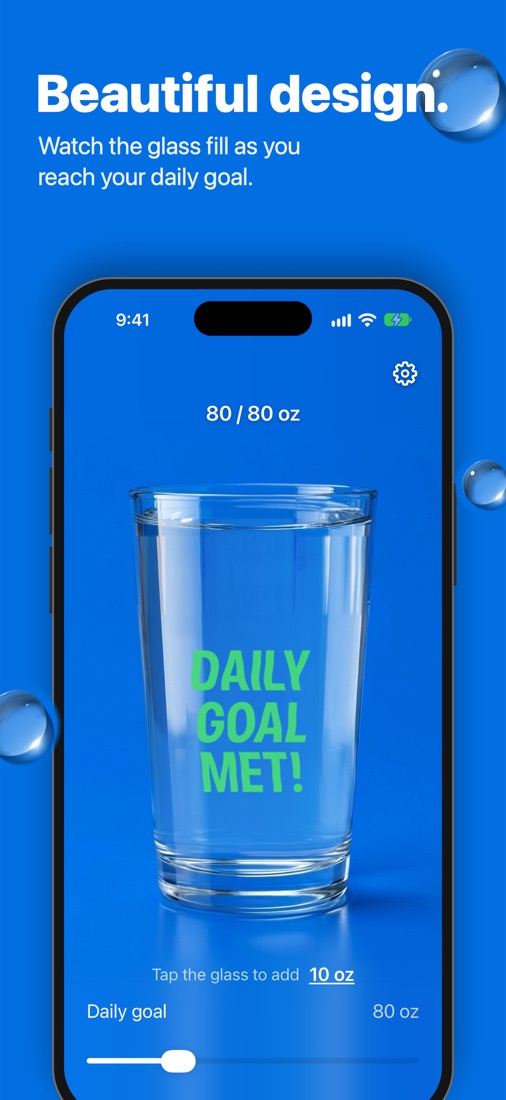
Every time you drink, tap the glass. The water rises toward your goal with a satisfying pour.
3
Meet your goal
When the glass is full it reads “DAILY GOAL MET!”, and reminders stop for the rest of the day.
Features
Everything you need. Nothing you don’t.
Tap to log
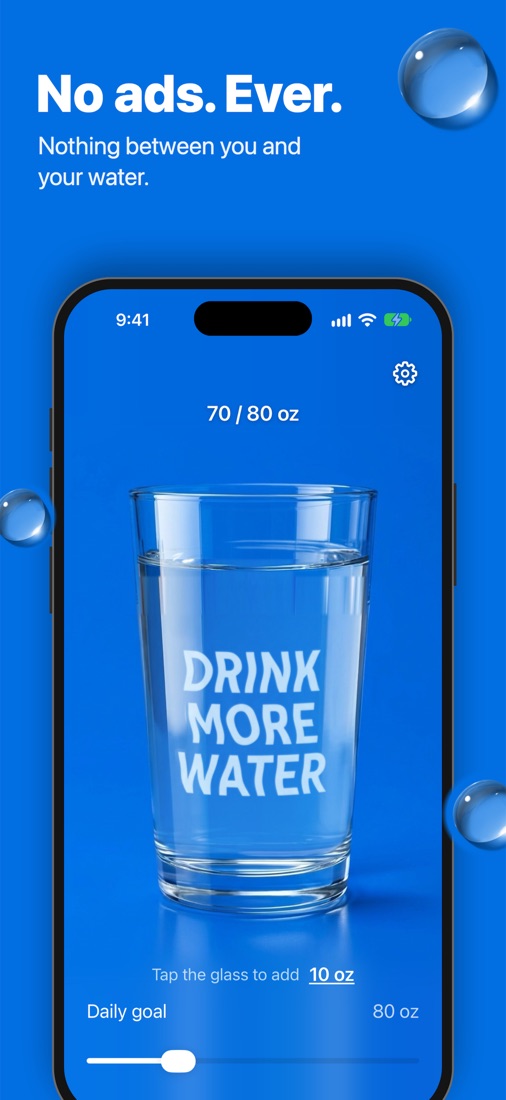
One tap adds your usual amount. Watch the water rise, with words that ripple under the surface.
Reminders that fit your day
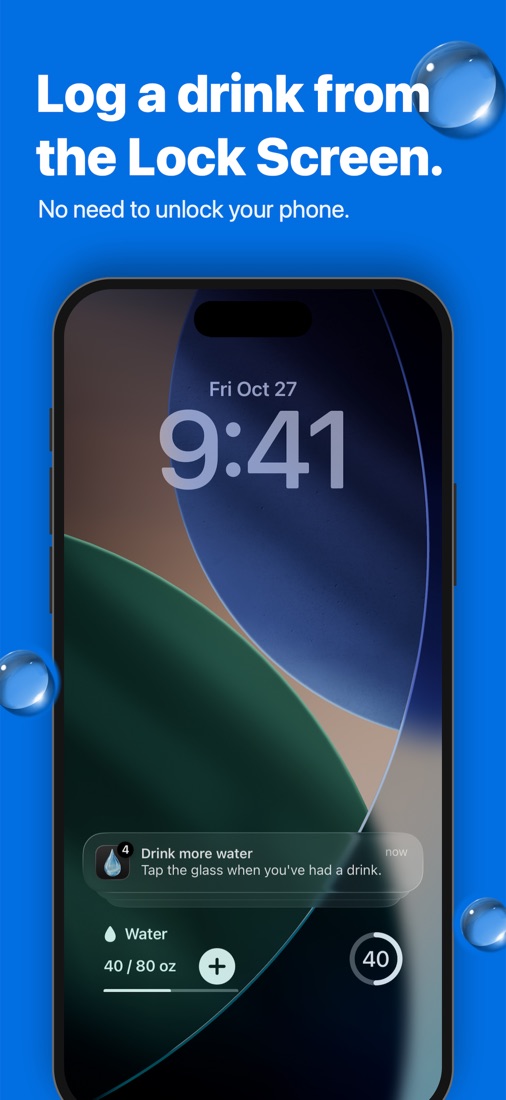
Only between the hours you choose, and timed from your last drink so they never nag right after one. Log straight from the notification.
Home & Lock Screen widgets
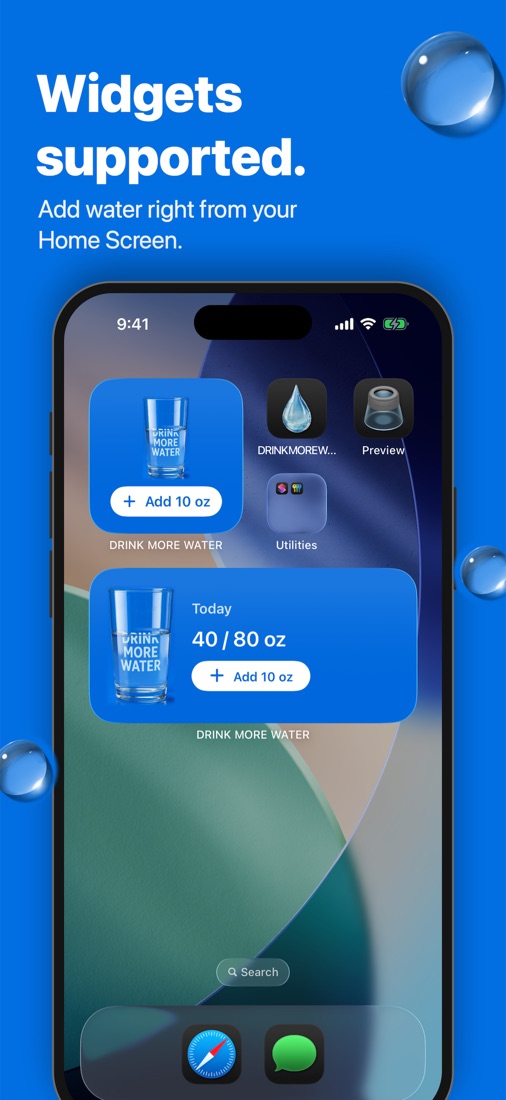
Home Screen widgets in three sizes, plus Lock Screen widgets that log a drink without unlocking.
Control Center & Action button
Add water from Control Center, the Action button, or Shortcuts, without opening the app.
Works with Apple Health
Optionally save every drink to the Health app. The app only writes water; it never reads your health data.
Your units, your language
Ounces or milliliters, in nine languages, including the words on the glass.
Beautifully simple
A photorealistic glass that fills as you drink, everywhere you look.
Privacy
Private by design
Everything you log stays on your device and is never sent to us or anyone else. No sign-up, no analytics, no ads.
0accounts
0ads
0trackers
FAQ
Questions? Answers.
Is DRINK MORE WATER free?
Yes. It’s free on the App Store, with no ads and no account to create.
Which devices does it run on?
iPhone and iPad with iOS 17 or later.
Can I log a drink without opening the app?
Yes: from Home Screen and Lock Screen widgets, Control Center, the Action button, Shortcuts, or the “Log a drink” button on a reminder.
Will reminders bug me right after I drink?
No. Reminders are timed from your last drink, arrive only between the hours you choose, and stop for the day once you’ve met your goal.
Does it work with Apple Health?
Yes, if you want it to. Turn on Save to Apple Health in the app’s settings and each drink is saved to the Health app. The app never reads your health data.
What happens at midnight?
Your glass empties and a new day starts. You can also reset today’s intake at any time in settings.
Which languages are supported?
English, Spanish, French, German, Italian, Portuguese, Japanese, Korean, and Simplified Chinese.
Start drinking more water today.
Free on the App Store for iPhone and iPad.